
Do you need a PoE switch for Reolink cameras?
Updated October 31, 2026 · By the GuardRemote team
A PoE switch sends power and data to each camera over one Ethernet cable. Many Reolink setups do not need a separate switch at all; here is how to tell, and how to size one when you do.
When you do not need a switch
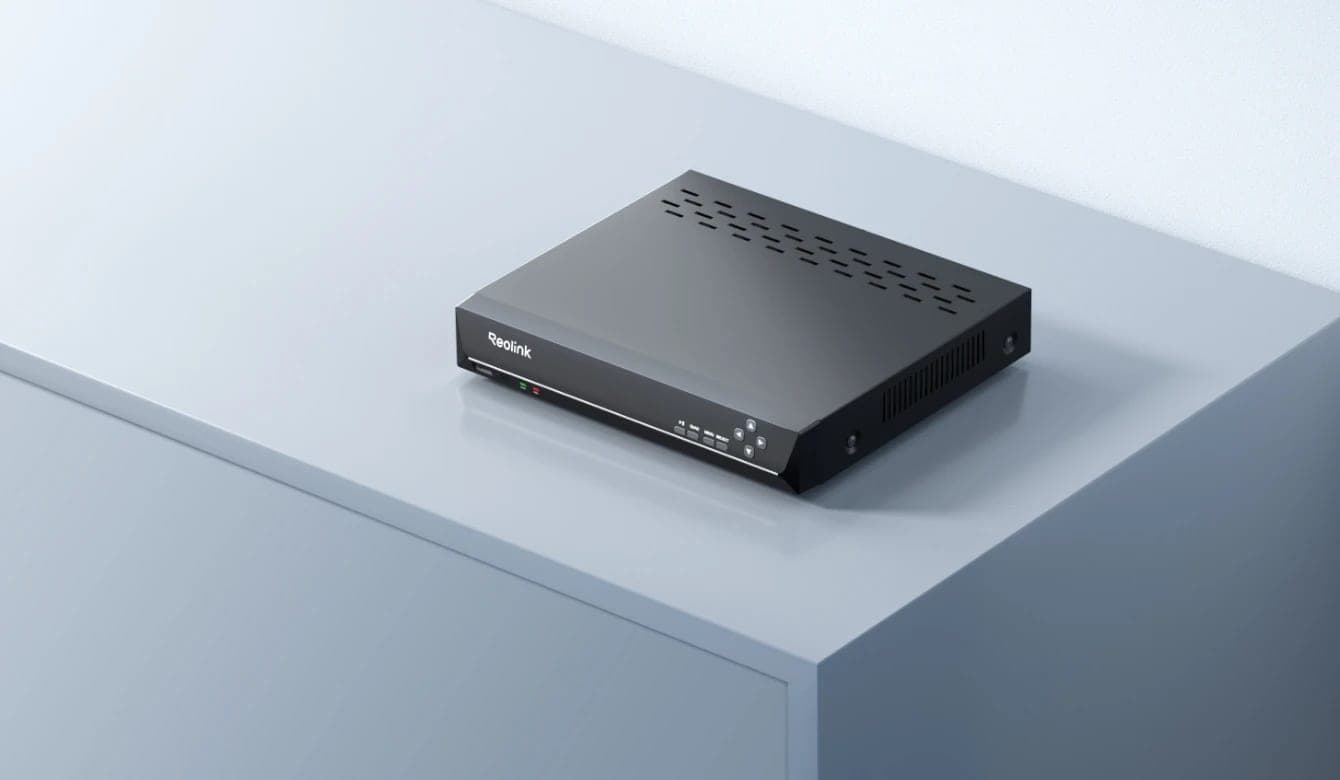
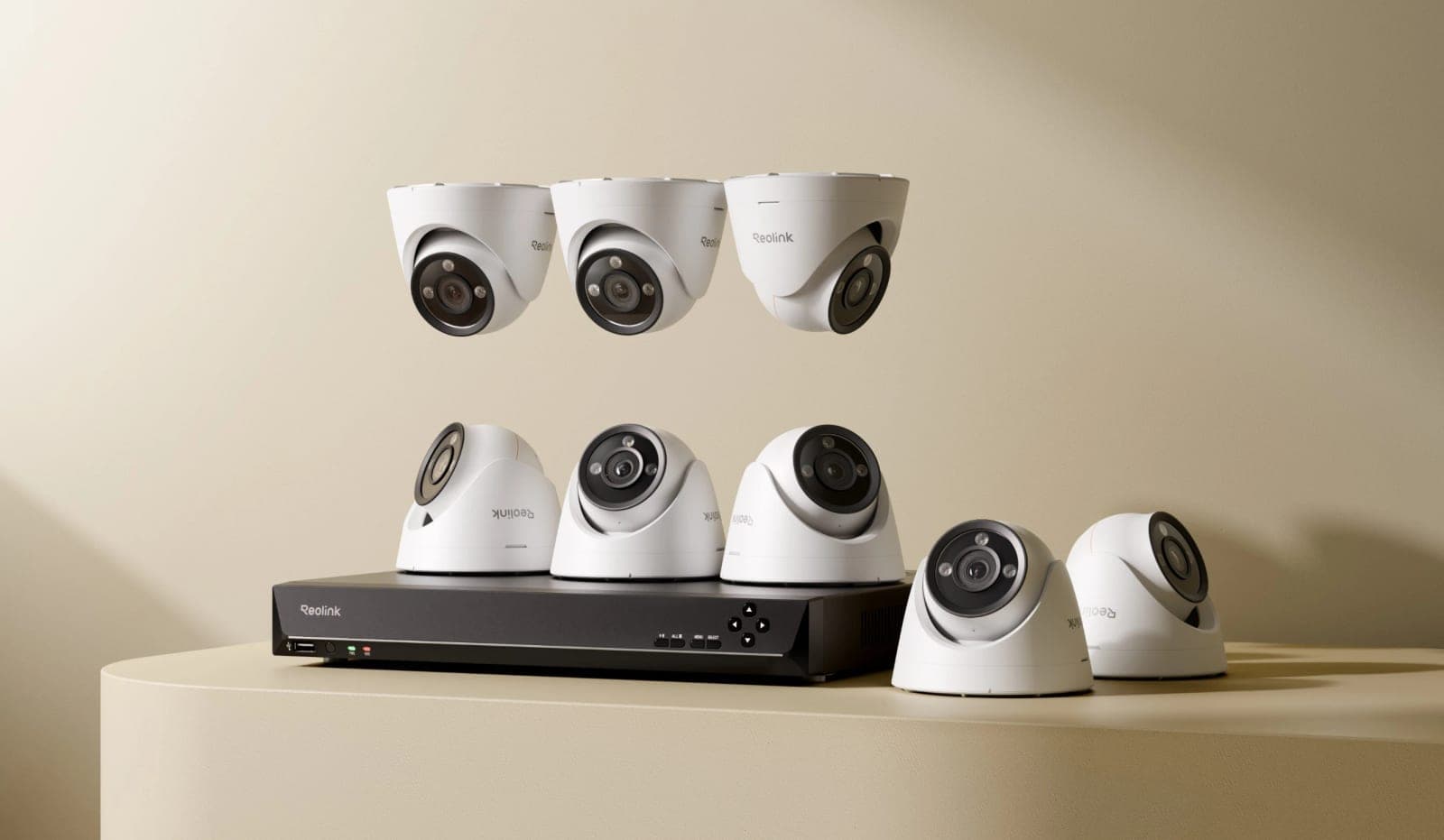
If your cameras plug straight into a Reolink NVR with built-in PoE ports, the NVR powers them. The RLN8-410, for example, has 8 PoE ports, so up to eight cameras plug in directly. Kits like the RLK16-1200D8-A include an NVR sized for the cameras in the box.
Battery, Wi-Fi and 4G models, such as the Argus 4 Pro, E1 Pro and Go PT Ultra, do not use PoE at all.
When you do
- You have more cameras than the NVR has PoE ports.
- Some cameras are far from the NVR and a switch closer to them shortens the cable runs.
- You are running PoE cameras without an NVR, recording to microSD or to software on a computer.
PoE, PoE+ and power budget
| Standard | Power per port | Use for |
|---|---|---|
| 802.3af (PoE) | 15.4 W at the switch (12.95 W at the camera) | Most fixed bullet, dome and turret cameras |
| 802.3at (PoE+) | 30 W at the switch (25.5 W at the camera) | PTZ cameras, cameras with heaters or strong spotlights |
| 802.3bt (PoE++) | 60–90 W | Rarely needed for cameras |
Each port has its own limit, and the switch also has a total power budget shared by all ports. Add up what your cameras draw and leave about 25% headroom. As a planning guide, our calculator assumes about 8 W for a fixed camera, 13 W for a spotlight or dual-lens camera and 25 W for a PTZ. Use the real figure from each camera's spec sheet when you have it.
| Example system | Estimated draw | Budget to look for |
|---|---|---|
| 4 fixed cameras | 32 W | 40 W or more |
| 8 fixed cameras | 64 W | 80 W or more |
| 6 fixed + 2 PTZ | 98 W | 123 W or more, PoE+ on the PTZ ports |
What else to check
- Cable length: an Ethernet run is limited to 100 m (328 ft) between switch and camera. Use Cat5e or Cat6.
- Gigabit ports, so the uplink to the NVR or router is not a bottleneck when many 4K cameras stream at once.
- Unmanaged is fine for most homes and small businesses; managed switches add VLANs for larger networks.
- Port count: buy a few more ports than cameras today so you can add more later.
Shop on Amazon
As an Amazon Associate, GuardRemote earns from qualifying purchases.
Common questions
Can I use any PoE switch with Reolink cameras?
Use a switch that follows the 802.3af/at standards. Avoid 'passive PoE' switches, which send power without negotiating and can damage cameras built for standard PoE.
Does the switch need to connect to the NVR?
If the NVR records the cameras, connect the switch to the NVR's network or to the same router so the NVR can reach them.
Specs are from the manufacturer's product pages. Storage and power figures are planning estimates; check the datasheet for your exact model. Reolink products link to reolink.com, where Reolink sells and ships them.